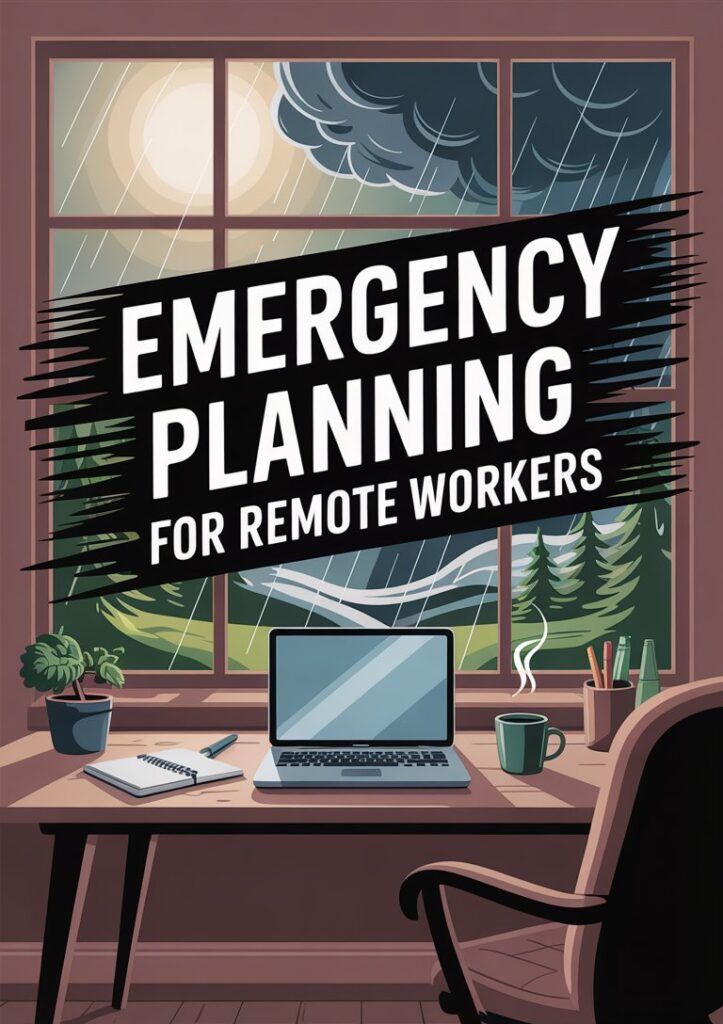
Emergency Planning for Remote Workers: Home Office Crisis Management
Remote professionals, let’s address the strategic reality: your home office represents a complex operational ecosystem requiring comprehensive crisis management.
Emergency planning for remote workers isn’t optional—it’s mission-critical for sustained productivity and family security.
Strategic Challenge Assessment:
Balancing client deliverables while managing household dynamics creates unique vulnerability gaps. Natural disasters, power grid failures, and connectivity disruptions don’t respect work-from-home boundaries. Your professional resilience directly impacts family stability.
Psychological Framework Shift:
Transform crisis planning from an overwhelming burden into an empowering strategic advantage. Emergency planning remote workers master integrates seamlessly with existing routines, building confidence rather than anxiety.
Core Preparedness Pillars:
- Operational Continuity: Power backup systems and data security protocols
- Communication Resilience: Multi-channel family and client contact strategies
- Physical Security: Home evacuation routes and supply management
- Risk Mitigation: Proactive threat assessment and response frameworks
Implementation Strategy:
We’re building your comprehensive home office crisis management system through actionable, budget-conscious strategies. Each component addresses real vulnerabilities while maintaining professional effectiveness and family safety.
Empowerment Approach:
No overwhelming complexity—just strategic, bite-sized frameworks with real-world applications. From toddler-proof emergency supplies to teen-inclusive communication plans, we’re covering every operational angle.
Bottom Line:
Your remote work setup and family security aren’t competing priorities—they’re integrated strategic assets requiring unified crisis management.
Ready to transform vulnerability into unshakeable professional resilience? Let’s build your strategic advantage.
Assess Home Office Risks
When you’re setting up your workspace in the living room, spare bedroom, or even the kitchen nook, it’s easy to assume home is always safe. So here’s the thing, we need to spot potential disruptions before they strike. Think about:
- Natural hazards: storms, floods, wildfires, or earthquakes in your region
- Power outages: anything from a scheduled blackout to a sudden surge
- Internet failures: local ISP glitches or router hiccups
- Hardware failures: laptop crashes, printer malfunctions, or drained phone battery
- Home incidents: fires, gas leaks, water line breaks, or HVAC breakdowns
- Cyber threats: phishing emails, unsecured public Wi-Fi, or malware attacks
According to SHRM, organizations are increasingly focused on keeping remote employees safe during natural disasters. That applies to us at home, too. By making a quick list of the most likely emergencies in your area, you’ll have a clear view of what to prepare for—and you can decide which areas need priority.
Remember that time the storm knocked out your neighbor’s power mid-video call? Or when your router cable fell prey to heroic chewing by Wilson, the family hamster? These little incidents remind us that home offices are not foolproof. Taking a few extra minutes to list risks can feel like a small investment for big peace of mind. Grab a piece of paper (or open a note on your laptop) and jot down the top three hazards you’re most likely to face. Then let’s turn that list into action in the next sections.
Identify Your Family Needs
When a crisis hits, your workspace isn’t the only thing at stake—your loved ones are front and center. That being said, before we stock up on supplies or map out escape routes, let’s get clear on what your family actually needs. Here’s a thought: everyone’s circumstances are different, and busy moms know there’s no one-size-fits-all plan.
Start by listing family-specific factors like:
- Ages and abilities: toddlers, tweens, teens, elderly relatives, or guests with mobility challenges
- Health conditions: any allergies, prescriptions, or medical devices that need power
- Pet care: food, water bowls, leashes, medications, and a plan for evacuation if needed
- Communication preferences: who checks texts, who prefers phone calls, and who needs video check-ins
- Work and school demands: critical deadlines, virtual classes, and important online exams
- Budget constraints: cost-friendly solutions and DIY options to stretch your emergency dollars
I totally get how it is when your kid needs insulin every hour or your partner’s CPAP machine requires continuous power. Tailoring your plan to real life avoids the trap of a generic to-do list that sits untouched in a drawer. If budgeting feels tight, check out emergency planning any budget for creative ideas on saving money without cutting corners.
Trust me—you’ll feel way more confident once you’ve ticked off this personalized checklist. And it sets the stage for clear roles, supplies that matter, and a plan that actually works for your crew.
Assemble Your Emergency Team
In a business setting, you’d call this an Emergency Response Team (ERT)—a group trained to handle crises and keep things running smoothly [1]. At home, your ERT is your inner circle (and maybe a trusted neighbor or family friend). So here’s a thought: pick 3–5 people who will be your go-to contacts, each with a clear role.
Consider these roles:
- Communication Lead: Sends updates and check-ins via your chosen channels
- Tech Support: Keeps devices charged, backs up data, and troubleshoots connectivity
- Child or Pet Care Lead: Ensures little ones and pets are safe and occupied
- Medical/First Aid Lead: Manages medication, first aid kit, and any special medical needs
- Evacuation Coordinator: Packs the go bag, handles transportation, and identifies safe meeting spots
Once you’ve assigned roles, host a quick kick-off meeting. Keep it casual—grab coffee, review everyone’s tasks, and confirm that contact info is up to date. For families with multiple caregivers, this step avoids confusion (and guilt when someone wonders, “Who was supposed to grab the spare phone charger?”).
You don’t need to overcomplicate things. A simple group chat or shared spreadsheet works wonders. If you’re a caregiver balancing multiple roles, see emergency planning caregivers for deeper tips.
I get it, conversations about worst-case scenarios can feel heavy. But framing this as a “family readiness chat” with snacks and low-key vibes can make it more like a coffee break than a panic session. And once you’ve done it, you’ll sleep a little easier, knowing everyone knows their part.
Develop Your Communication Plan
Picture this: power’s out, internet’s sketchy, and you need to let your partner know you’re safe—and that the kids are hunkered down in the pantry. A solid communication plan is your secret sauce. It should cover how you’ll check in, share updates, and decide when to pivot.
Key elements to include:
- Primary Channels: Cell phone calls, SMS, and messaging apps
- Backup Channels: Landline, two-way radios, or social media check-ins
- Group Alert System: A family chat thread or email list with all emergency contacts
- Message Templates: Pre-written text snippets like “Safe at home” or “Heading to neighbor’s”
- Check-In Schedule: Routine times to touch base during an incident (for example, every hour)
With modern emergency notification tools, enterprises use multichannel delivery and two-way messaging to ensure no one misses an alert [2]. While you don’t need enterprise software, you can adopt the same principles: redundancy, clarity, and simplicity. For a step-by-step guide on setting this up, visit emergency communication planning.
Don’t sweat perfect tech. Even a sticky note on the fridge with a simple schedule—“4:00 PM phone call, 6:00 PM check-in text”—can make a world of difference when chaos strikes. Pair that with small backups like a fully charged power bank or extra SIM cards, and you’ve got a plan that stands strong, no matter which way the wind blows.
One more thing—practice saying “All clear, moving to Plan B” or whatever code phrase you choose. It adds an element of fun (and memorability), so when the time comes, you won’t panic over which words to use.
Gather Essential Supplies
So here’s the thing, you don’t need a basement full of industrial-grade gear to stay prepared. With a mix of smart purchases and household items, you can cover your basics without blowing the budget. Your emergency stash should blend family needs with remote work priorities.
Start with these must-haves:
- Water: One gallon per person per day for at least three days
- Nonperishable Food: Canned goods, granola bars, and easy-to-prepare meals
- First Aid Kit: Include bandages, antiseptic wipes, medications, and any prescription extras
- Power Solutions: Portable chargers, spare phone cables, and a power bank for essentials
- Internet Backup: Mobile hotspot device or extra data SIM cards in a waterproof pouch
- Lighting: Flashlights, headlamps, and spare batteries
- Hygiene Items: Hand sanitizer, wet wipes, and eco-friendly trash bags
Remote workers can borrow tactics from the Lantana Group’s home office guidance—inventory your laptop, key fobs, and ID badges, and upload scans to a secure cloud service [3]. If you already own some of these supplies, rejoice—and tweak your plan based on what you have. Peek at emergency supplies already own to see budget-friendly hacks.
That being said, careful rotation is key. Keep an eye on expiration dates, swap out old snacks, and recharge power banks every few months. A quick weekend check (see weekend emergency planning tasks) can keep things current without stealing your whole Saturday.
Trust me, once you’ve assembled these basics, you’ll breathe easier knowing the essentials are at arm’s reach—no panicked rummaging under the sink when the lights go out.
Secure Your Important Documents
Your go bag is only as good as the paperwork inside it. We’ve all been there—frantically digging for birth certificates or insurance cards while sipping lukewarm coffee. Let’s avoid that scene by organizing both digital and physical copies of what matters most.
Focus on these documents:
- Identification: Passports, driver’s licenses, and social security cards
- Insurance: Health, home, auto, and life insurance policies
- Medical Records: Vaccination cards, prescriptions, and allergy info
- Financial: Bank statements, mortgage documents, and investment summaries
- Property: Deeds, leases, and home inventory lists (including photos)
- Emergency Contacts: A printed list with names, phone numbers, and email addresses
Here’s a thought: scan or photograph each document and store it in an encrypted folder on a secure cloud service, like OneDrive or Google Drive. If you prefer DIY, upload to a password-protected SharePoint site as suggested by Lantana Group [3]. Then stash physical copies in a waterproof, fire-resistant pouch.
For an in-depth walk-through on which files to include and how to format them, check out emergency planning documents. That guide also covers folder structures and naming conventions, so you won’t be guessing which “MedicalRecordJune2025” you need in the heat of the moment.
Remember—this step only takes a couple of hours, but it can feel like a superpower when your laptop’s toast or you’re racing to evacuate. A quick scan today means no frantic calls to the office or endless Google searches for policy numbers tomorrow.
Ensure Power And Internet
Power and connectivity are your remote work lifelines. When one or both go kaput, deadlines loom and stress skyrockets. That being said, a few simple backups can keep you online and productive, even when your neighborhood transformer has other ideas.
Power backup options:
- Uninterruptible Power Supply (UPS): Keeps your router and modem running through brief outages
- Portable Chargers: High-capacity power banks can recharge phones, tablets, and even laptops
- Generator or Solar Kit: For longer blackouts, consider a small, quiet generator or solar-powered station
Connectivity backups:
- Mobile Hotspot: Use your smartphone’s hotspot feature or a dedicated device with extra data
- Secondary ISP: If budget allows, a second internet service provider (like DSL or cellular) can provide redundancy
- Offline Files: Sync crucial documents locally so you can keep working if the internet drops
Experts at Atera highlight the importance of backup communication methods and power sources for remote workers in emergencies [4]. They also recommend testing server connections regularly and using VPNs on secure networks to protect sensitive data if you need to hop onto a public hotspot.
Here’s a tip—schedule a monthly “dry run” where you unplug the main power source for your workspace, switch to battery or generator mode, and test your hotspot speed. You’ll identify weak links and fix them before they become full-blown crises.
With these safeguards in place, you’ll feel ready to power through anything—literal or figurative—that comes your way.
Practice Remote Safety Drills
Practice makes perfect, and that’s especially true for emergencies. A plan is only as good as your ability to execute it under pressure. That’s why scheduling regular drills—just like schools and offices do—can make your family feel like pros when the unexpected happens.
Drill ideas:
- Evacuation Walkthrough: Map out your home, choose two exits per room, and practice moving everyone to the agreed meeting spot
- Communication Check-In: Simulate a power or internet outage and use your backup channels to send status updates
- “Power Down” Test: Unplug your desk setup and switch to battery or generator power. Work on a local file to test offline readiness
- “Locked In” Scenario: Practice shelter-in-place by staying in a single room for 5–10 minutes with kids and pets
- First Aid Refresh: Role-play simple injuries—like scrapes or sprains—and walk through bandaging and stabilization steps
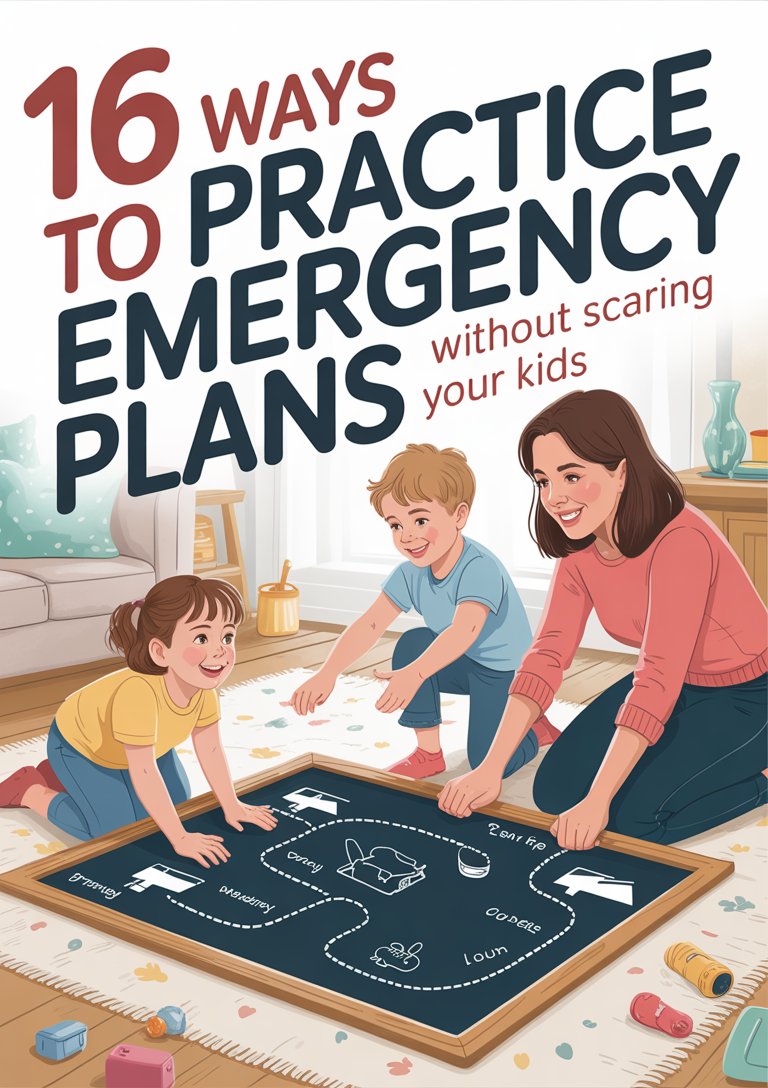
According to Vizito, regular drills help families identify weak spots in their plans and build muscle memory. Plus, when you involve your kids, it becomes a low-stress—even playful—activity. For tips on age-appropriate drills and scripts, see practice emergency plans kids.
You don’t need to make these drills elaborate. A 15-minute routine once a quarter goes a long way. And when your teen wakes up from a Sunday nap to find you calling “all clear,” it’ll feel more like routine than alarm. Over time, these exercises become part of family culture—a shared superpower we can all rely on when real emergencies strike.
Involve Your Kids
Trust me, I know, it’s tempting to shield little ones from serious talk. But involving your kids in emergency planning builds confidence, reduces fear, and can even be fun. Plus, busy moms know that teamwork makes the dream work.
Ways to include children:
- Create a Family Command Center: Let them decorate a bulletin board with checklists, maps, and emergency numbers
- Assign Simple Tasks: Younger kids can gather snacks or pack a small comfort item, while older kids can track supplies or update shared documents
- Practice Role-Playing: Turn drills into games—“Who can find the flashlight the fastest?” or “Let’s see who can send the quickest group text.”
- Teach Teen Responsibilities: Show them how to power up a hotspot, set up the UPS, or reboot the router [5]
- Open a Conversation: Ask “What worries you?” and address concerns together, using age-appropriate language [6]
Keep it light. Reward participation with small treats—a favorite snack or extra screen time. Celebrate each successful drill with a high-five or a silly family photo. This positive reinforcement turns preparedness into a shared achievement, not a chore.
When kids feel included, they’re less likely to panic and more likely to act calmly. I get it—you’re balancing conference calls and homework help. But a few minutes of collaborative planning now means less stress later. And who knows, you might inspire your little ones to take charge of their own safety habits for life.
Update And Review Plans
Here’s a coffee-fueled truth: any plan left untouched tends to collect dust. Emergencies evolve, family dynamics shift, and technology changes. That’s why carving out time for reviews and updates is crucial.
Focus on these review steps:
- Quarterly Check-Ins: Block a 30-minute slot each quarter to scan supplies, test backups, and refresh contact lists
- Post-Drill Feedback: After each drill, ask what worked well and what felt awkward—then tweak your approach
- Life Event Updates: When a family member moves in, a child starts school, or someone develops a medical need, adjust roles and resources
- Technology Audits: Confirm internet speeds, hotspot data plans, and device firmware are up to date
- Document Refresh: Replace expired meds, swap out old batteries, and update insurance or medical documents as needed
Vizito’s research on emergency readiness highlights that continuous testing and employee feedback are vital for effective plans [1]. Apply the same principle at home: gather everyone’s insights, celebrate improvements, and own those adjustments.
Not sure how often to revisit? Aim for quarterly or whenever you click “remind me” on your calendar. If quarterly feels heavy, try a monthly 10-minute “plan pop quiz.” For more on timing, dive into how often update emergency plans and recognize when it’s time for a deeper overhaul with emergency plan needs update.
A little upkeep goes a long way. Before you know it, emergency planning becomes as routine as paying bills or sorting school lunches—just another part of your family’s rhythm.
Find Support And Resources
You don’t have to go it alone. Tons of free and low-cost resources can supercharge your emergency planning, whether you’re looking for training modules, quick checklists, or community support. Here are a few game-changers:
- Online Training: Traliant offers a 25-minute Emergency Preparedness and Response course tailored to on-site and remote workers [7]. You can even customize it with your logo and specific scenarios.
- Best Practices Articles: ReadyAlert’s guide to emergency communication for remote teams covers multichannel alerts, escalation procedures, and virtual response teams [8].
- Community Forums: Local parent groups or neighborhood social networks often share tips, emergency kit swaps, and bulk-buy discounts.
- Government Resources: FEMA and your state’s emergency management agency provide free templates, checklists, and family plan guidelines.
- Parenting Focus: Check emergency planning resources parents for mom-centric strategies, from kid-friendly drills to balancing work and school tasks.
- Deep Dive Blueprint: When you’re ready for a complete family map, explore our complete family emergency planning guide for an end-to-end walkthrough.
That being said, don’t feel pressured to master every tool at once. Start small—maybe register for a short webinar or print a simple checklist. Over time, you’ll build a toolkit of go-to resources that feel like old friends when the unexpected arrives.
Remember—every step you take, no matter how tiny, lays another brick in your family’s safety net. And you’ve got this.
Cabin Chat
Q: How do I keep my internet backup from draining my phone data?
A: Consider a dedicated mobile hotspot device with its own data plan. It frees up your phone and often has stronger antennas for a better signal.
Q: What’s the easiest way to involve shy kids in drills?
A: Turn drills into a game—use flashlights for a “hide-and-seek” evacuation race or let them mark progress on a colorful chart. Positive rewards go a long way.
Q: Should I store physical copies of documents if I have digital backups?
A: Yes. Waterproof pouches or small fireproof safes for originals provide extra security. Digital copies are great, but paper backups add peace of mind.
Q: How can I practice a power outage drill without actually cutting power?
A: Simulate it by turning off main outlets or powering down your Wi-Fi router. Use battery packs or a generator to keep essential devices alive.
Q: How often do I need to refresh my first aid kit?
A: Check it every three to six months. Replace expired medications, swap out bandages, and replenish any used items after drills or real events.
Q: Where can I find budget-friendly emergency supplies?
A: Dollar stores, big-box sale aisles, and online wholesale clubs often have essentials like batteries, water pouches, and first aid basics at low cost.